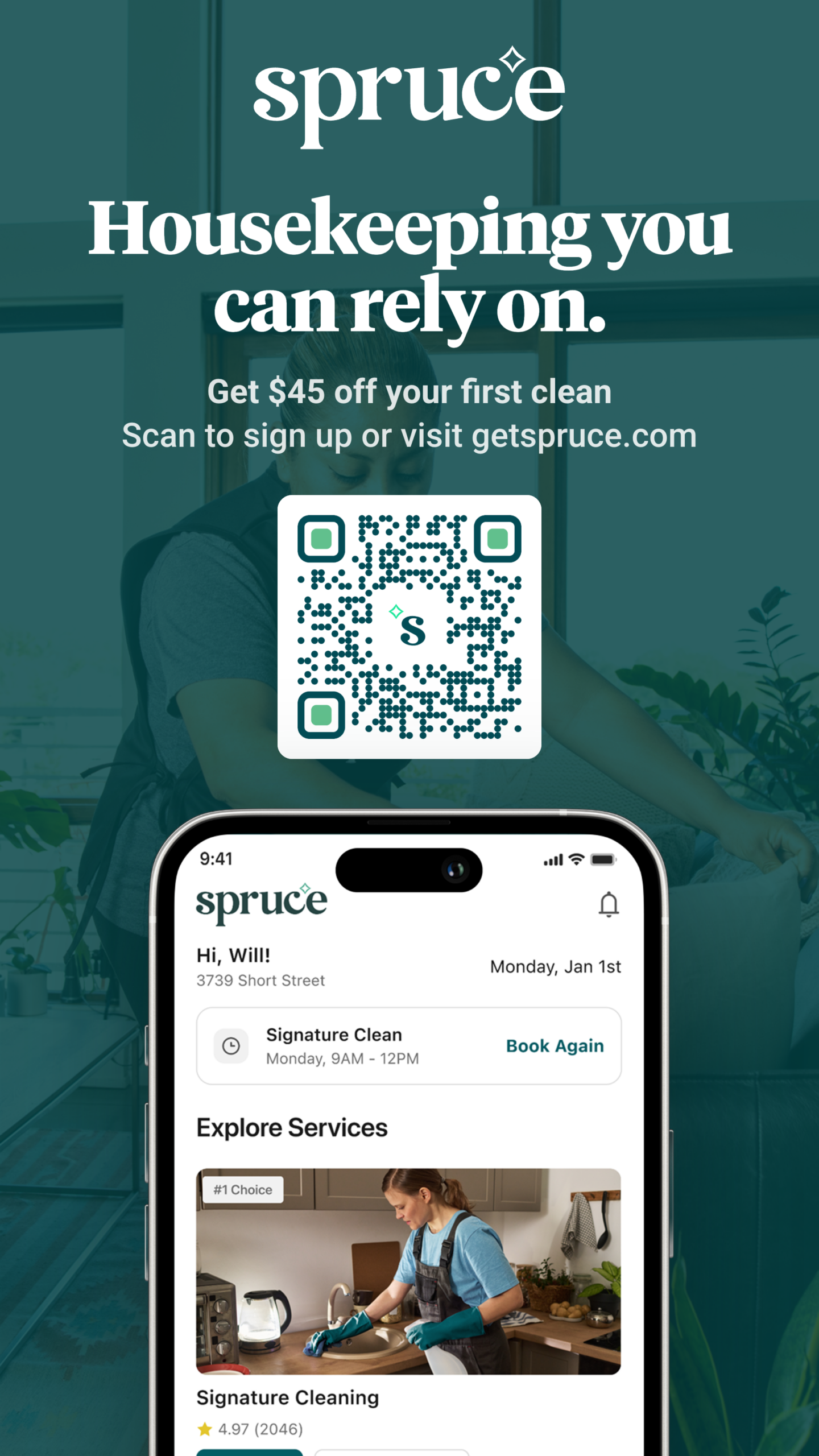
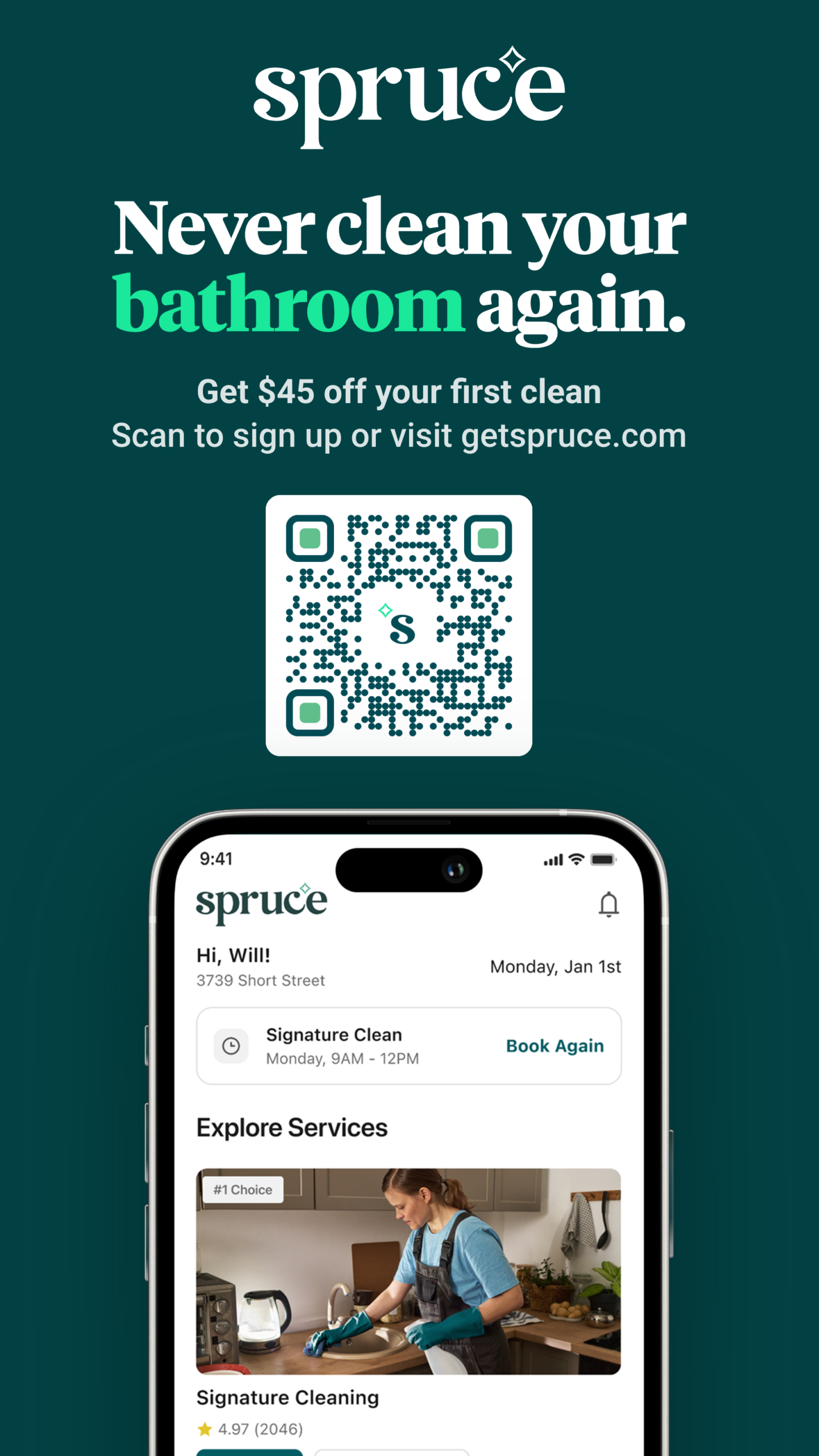
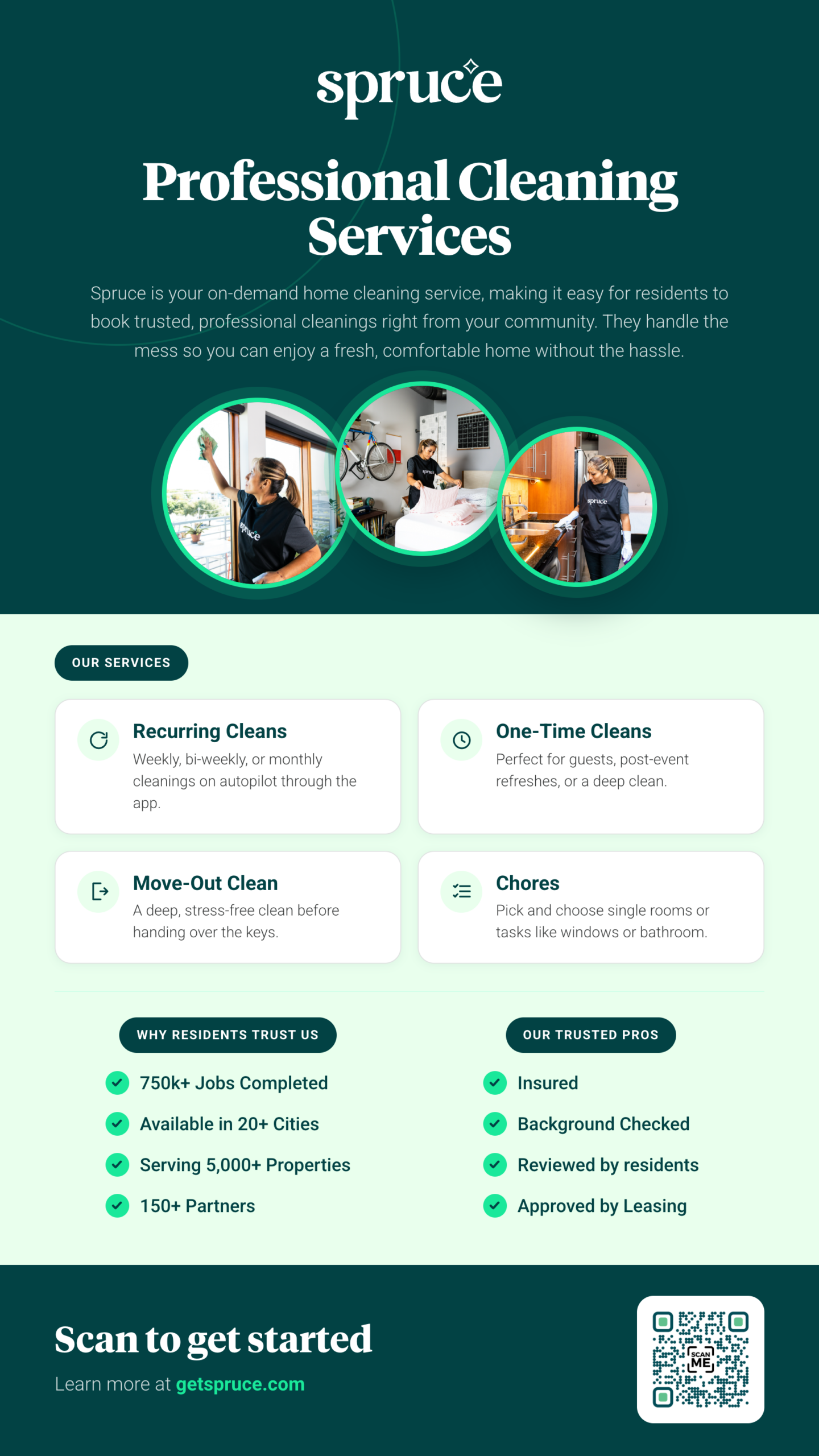
Below you'll find links to download HTML and PDF files. These files are your ready-made emails that you can use to send emails to your residents. If you can’t use HTML code, use the PDF file instead.
How to Use HTML Files in Email Sending Systems
1. Download the HTML File
-
Download the HTML file you need for your email.
-
Check your downloads folder or the downloads list in your browser (e.g., Chrome).
2. Open the HTML File
-
Locate the downloaded HTML file in your downloads folder.
-
Right-click on the file and select 'Open with' > 'Google Chrome'.
3. View Page Source
-
Once the file is open in Chrome, click on the side of the page (not on an image) to ensure the correct context is selected.
-
Right-click and select 'View Page Source'.
4. Copy the HTML Source Code
-
In the page source view, select all the code (Ctrl+A or Command+A) and copy it (Ctrl+C or Command+C).
5. Paste into Email Sending System
-
Go to your email sending system (e.g., Entrata or Rent Café).
-
Find the section labeled 'source' in the message editor.
-
Paste the copied HTML code into this section.
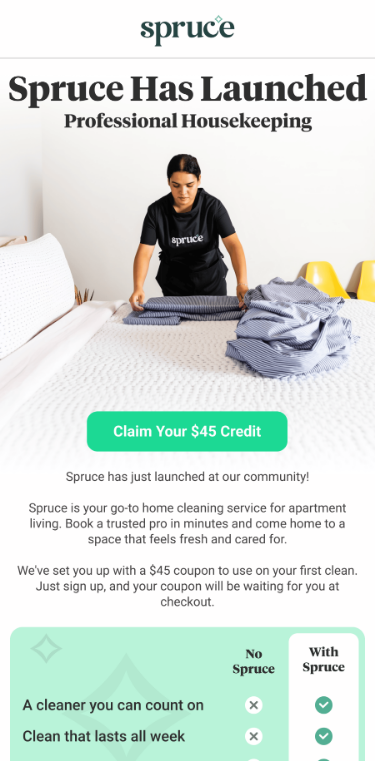
Prefer to communicate with your residents via text / SMS? You'll find SMS-ready messages below as well.
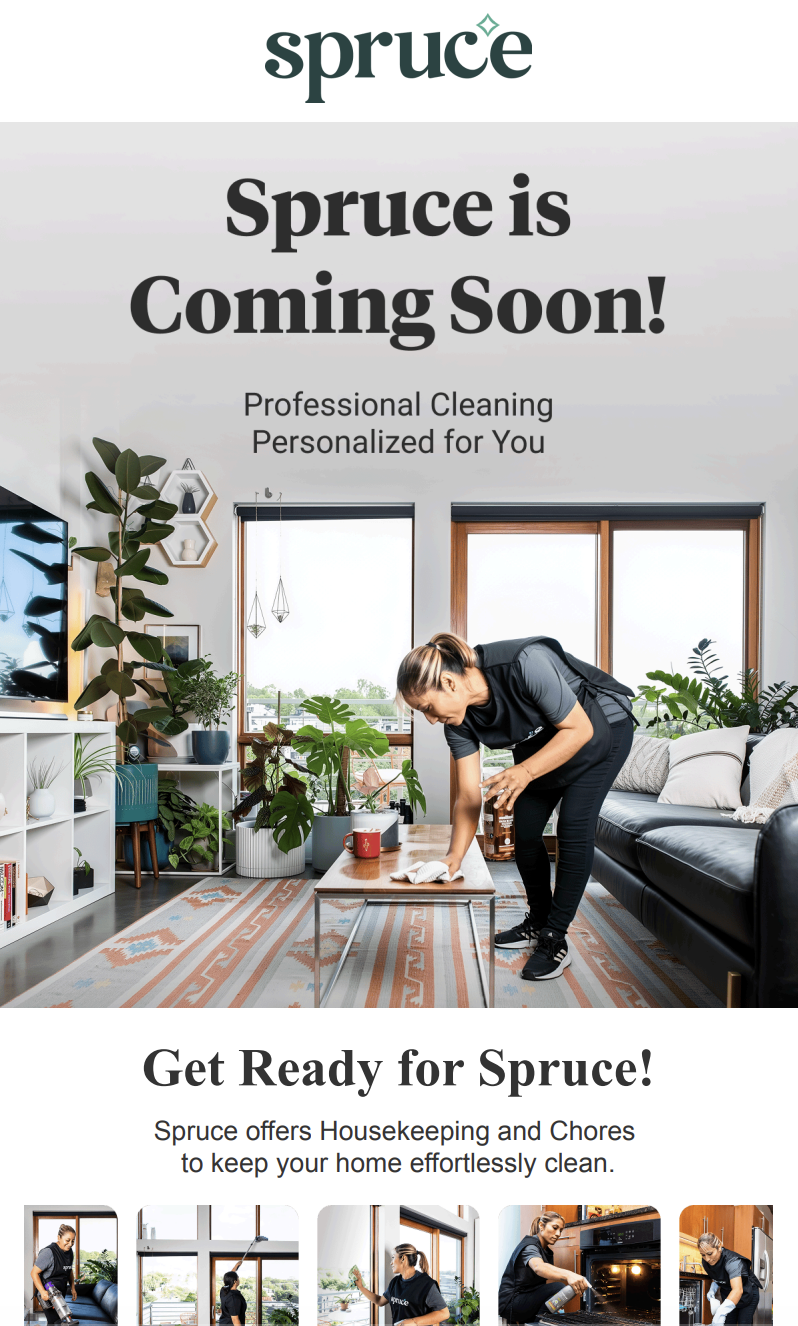
Pre-Launch
Residents can create Spruce accounts but service is not live yet.
English
Español
Launch Day
Service begins.
English
Español
Pre-Launch
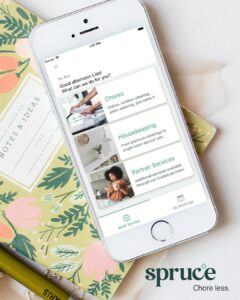
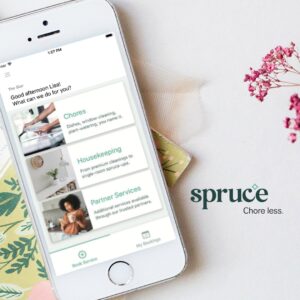
Download the Facebook or Instagram image linked below and copy/paste the corresponding text into a new post on your property’s Facebook page or Instagram account.
Launch Day
Download the Facebook or Instagram image linked below and copy/paste the corresponding text into a new post on your property’s Facebook page or Instagram account.


Website Banner
Meant to have a universal use—can be displayed in your resident portal, print marketing (event flyer, monthly calendar, etc.), emails to residents, etc.

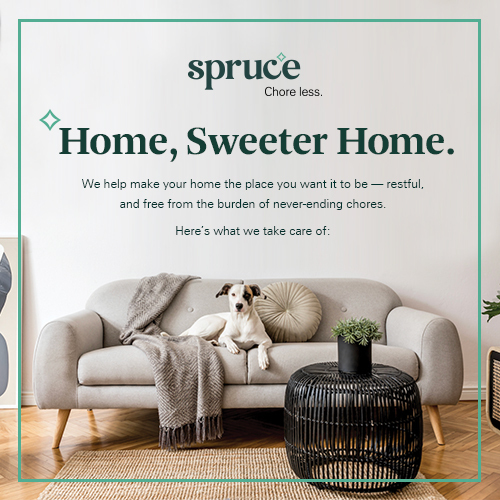
Amenities Modules
Add these images to your Amenities section where applicable.
The Printed Materials below are complimentary. If you require these for your community, simply log into the Property Portal to place your order and we will ship them to you.
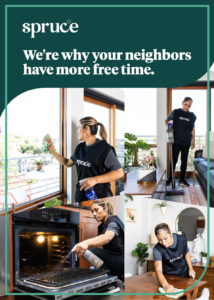
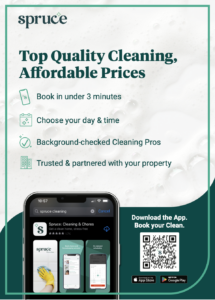
Flyer (5"x7")
Use this flyer in your lobby, business center, lounge, or other areas residents frequent—perfect for sliding into a Table Top Sign Holder or to distribute to new residents in your welcome packets.
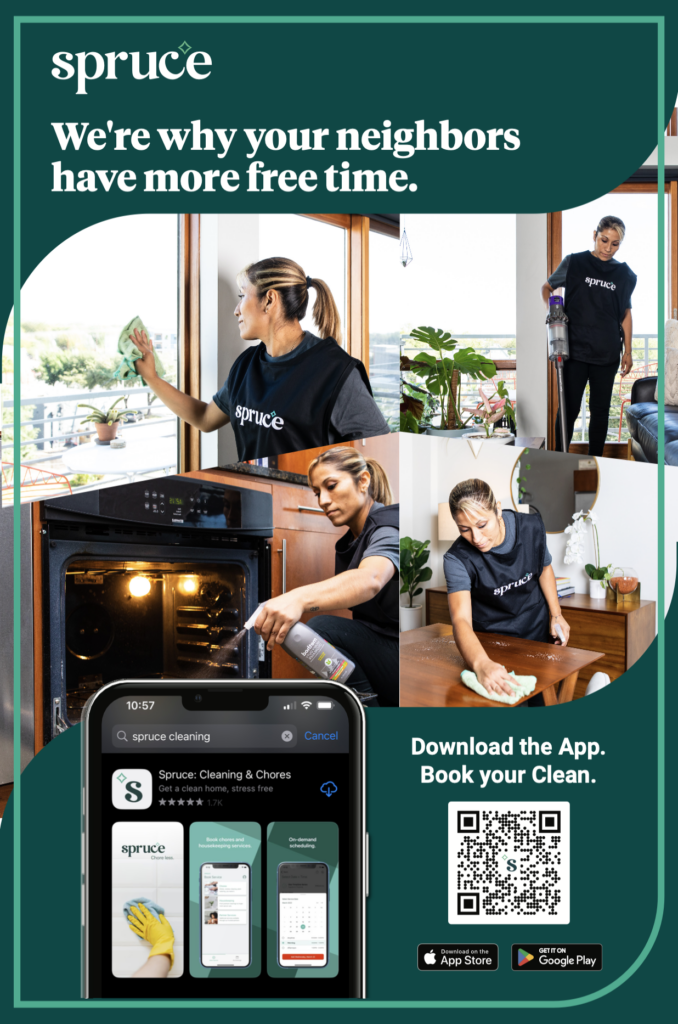
Property Poster (24"x36")
Use this poster in your lobby, business center, lounge, or other areas residents frequent.
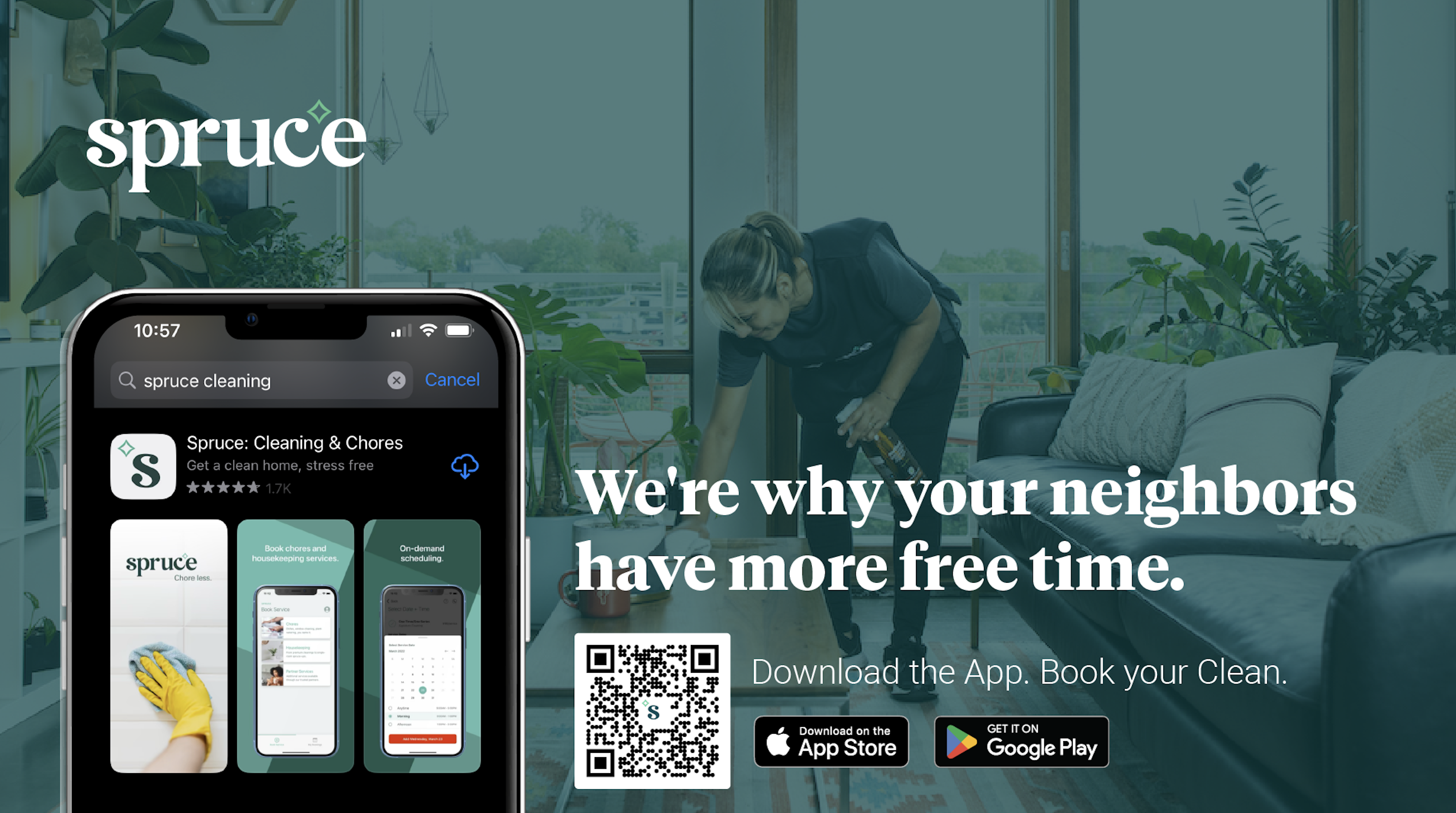
Digital Signage
Perfect for your lobby, business center, lounge, or other areas residents or prospective residents visit.
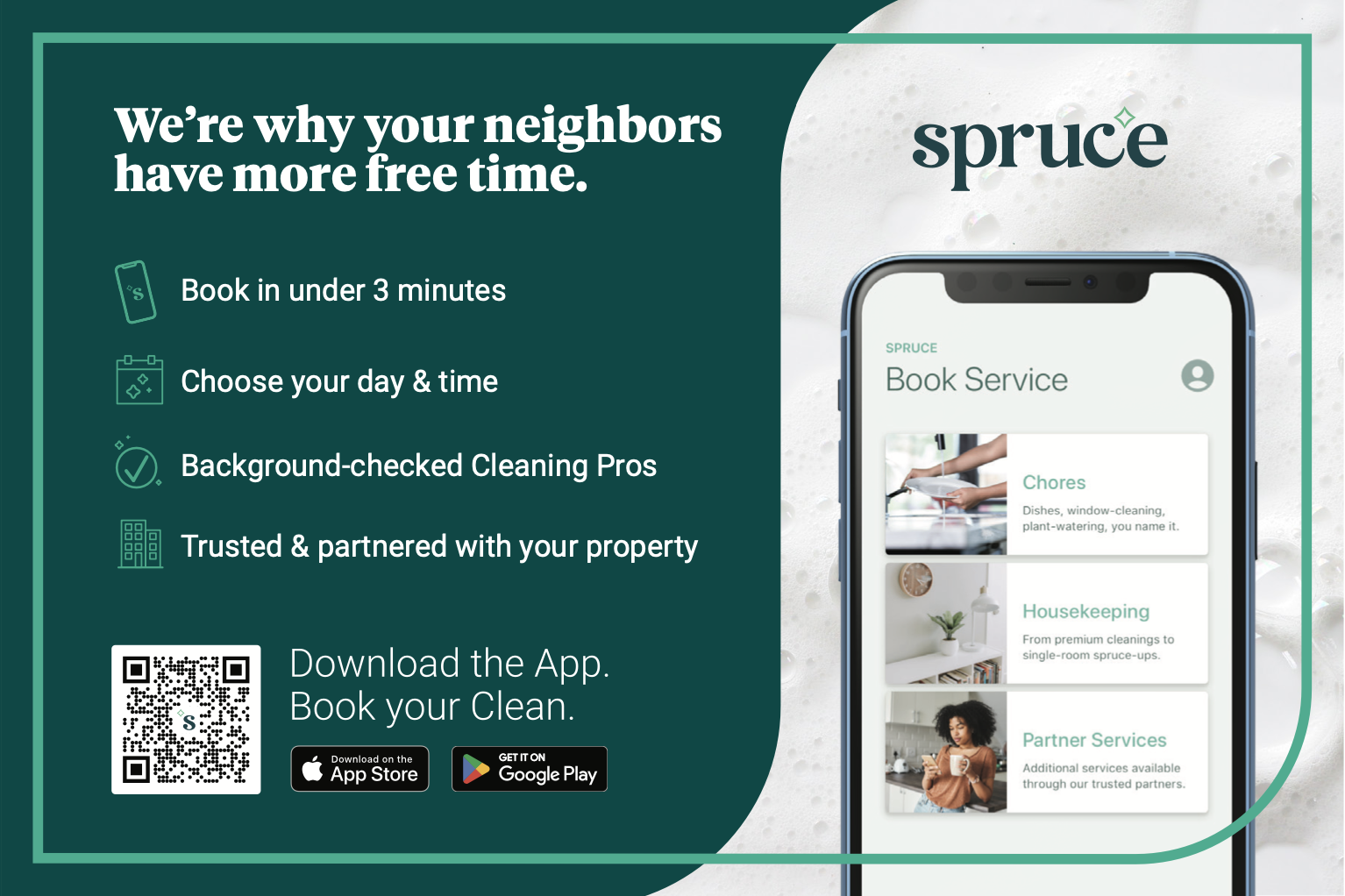
Framed 4x6
Use this 4x6 card in your lobby, business center, lounge, or other areas residents frequent—perfect for sliding into a 4x6 frame.
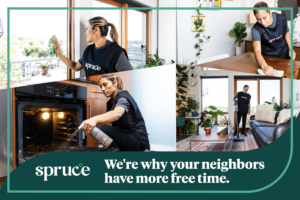
Move In Card
Perfect to distribute to new residents in your welcome packets.

Spruce Day Icon
Highlight Spruce Day (one day a week we offer a lower rate for a Signature Cleaning) on your monthly calendar. Reach out to your Account Manager if unsure of the day.
Include with logo: 'Enjoy extra savings by booking a Signature Cleaning on Spruce Day. Download the Spruce app today to book! getspruce.com'
The digital signage below is complimentary. If you'd like to display it in your community.
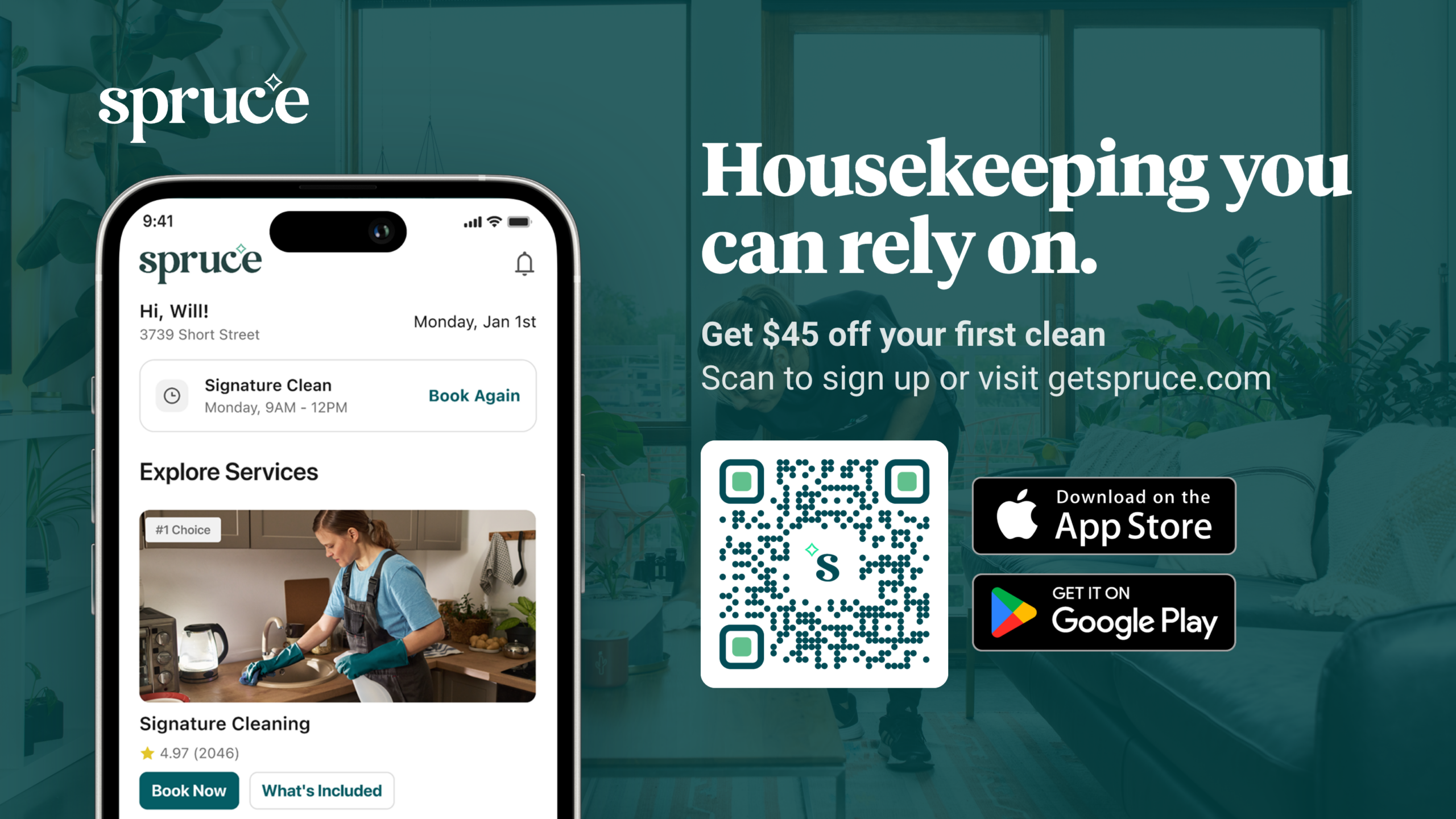
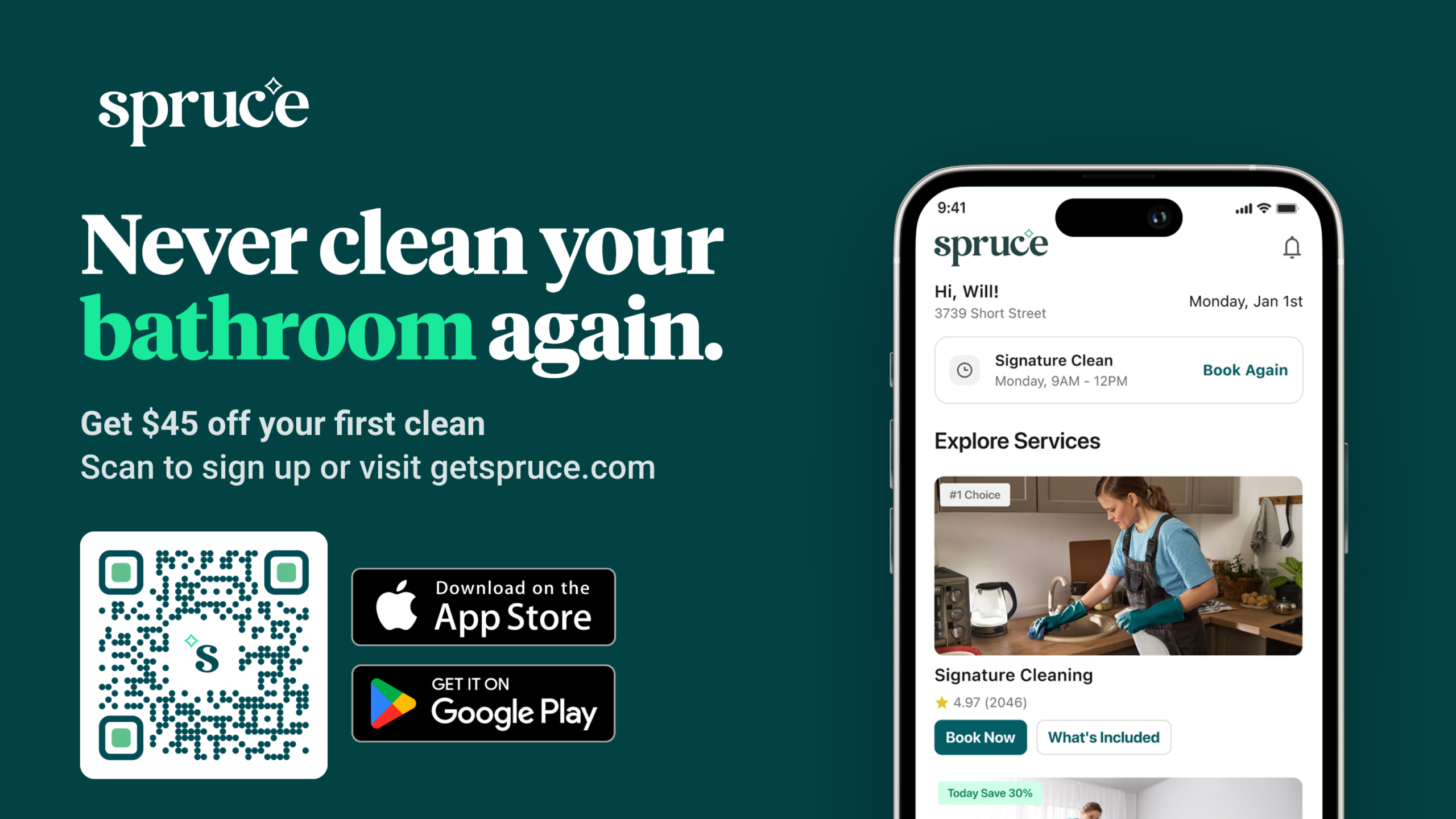
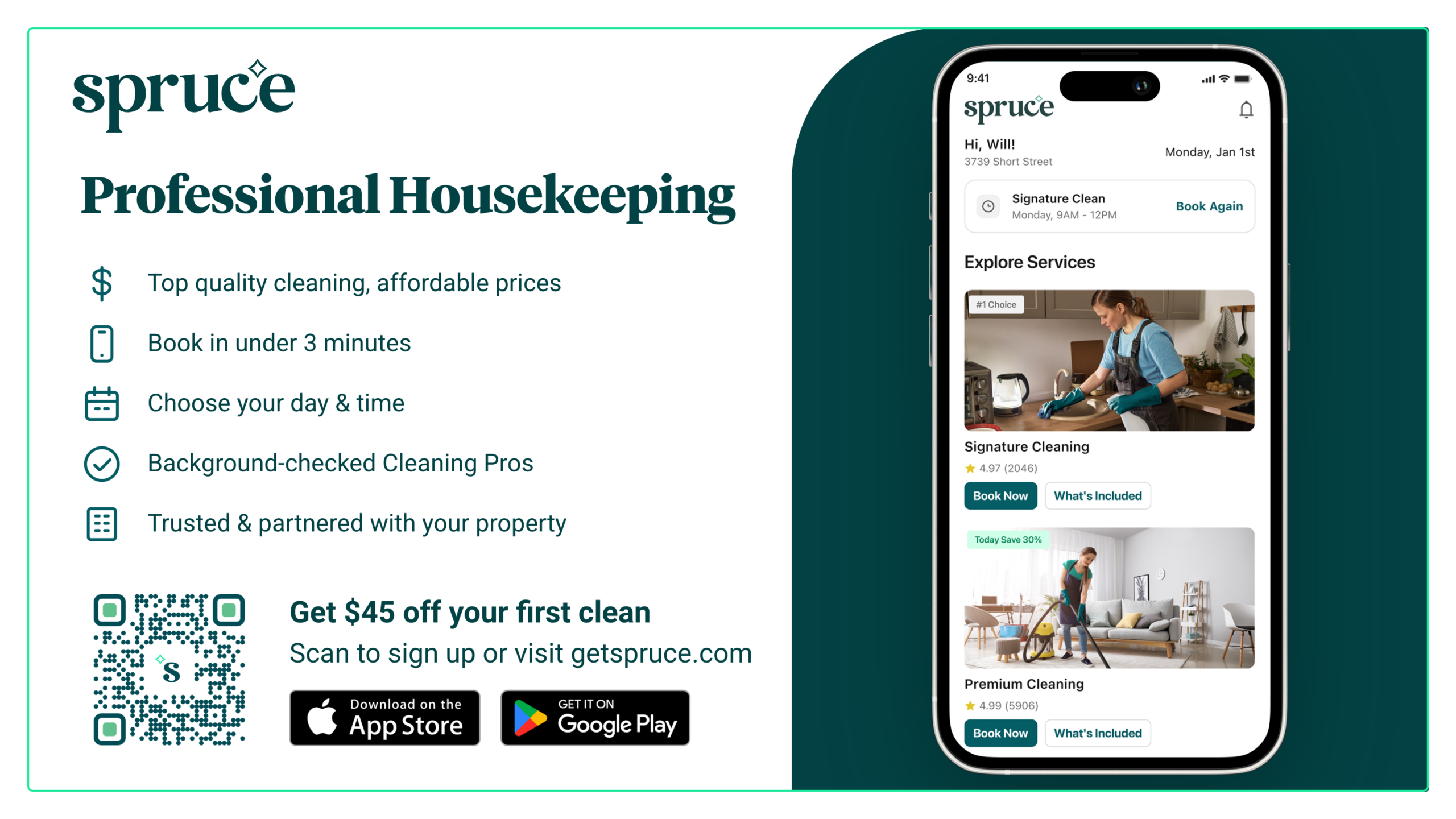
Landscape (1600"x900")
Use these signs in your lobby, business center, lounge, or other areas residents frequent.
Portrait (900"x1600")
Use this sign in your lobby, business center, lounge, or other areas residents frequent.